The Smart Life app is the universal control center for your smart home. If your devices feature a Tuya chip, you can use this powerful platform to bundle and control all your hardware in one place. In this guide, we’ll show you how to set up your Smartlife ecosystem, from creating an account to your first Smartlife login.
How to create Smart Life Account
Step 1
Download & Open
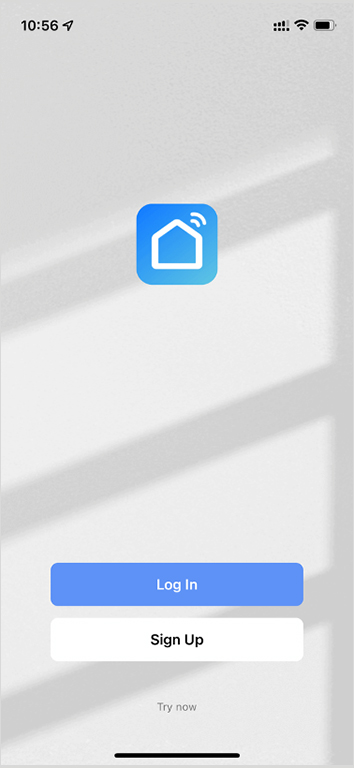
Download the Smart Life app from the App Store or Google Play.
Step 2
Agreement
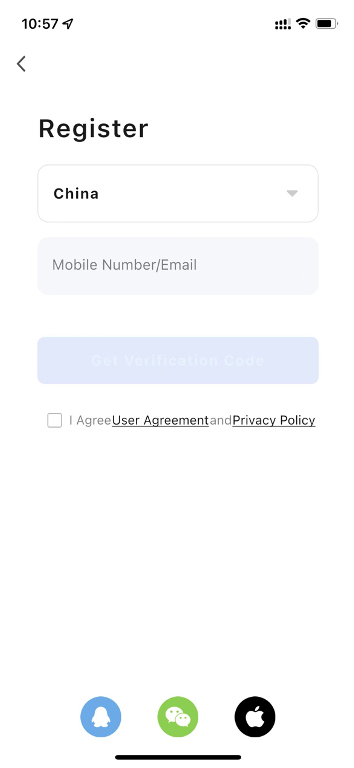
Tap „Sign Up.“ Carefully read and agree to the User Agreement and Privacy Policy.
Step 3
Registration
Enter your email address to register your Smartlife account. Your State/Region is usually detected automatically; ensure this is correct, as it cannot be changed after registration.
Step 4
Verification
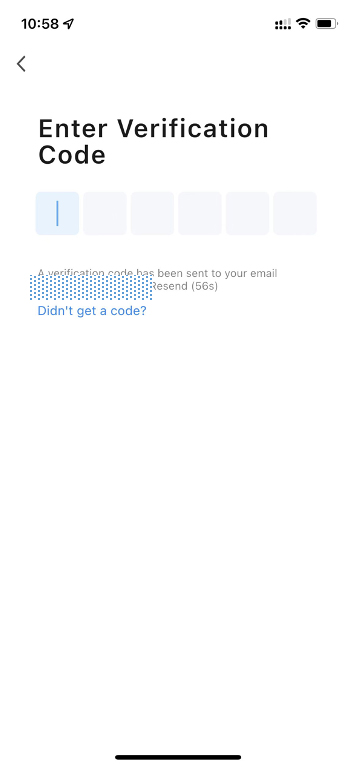
Tap „Get Verification Code.“ Enter the code sent to your email to proceed to the password setting page.
Step 5
Password
Set a secure password and tap „Done.“
Managing Your Smartlife Login
Once your account is active, performing a Smartlife login is simple. You can log in on multiple devices to keep your entire household connected. If you ever switch phones, simply use your registered email and password to restore all your connected bulbs, plugs, and sensors instantly.
Why Use the Smart Life App?
The Smart Life app (often referred to by users as the Smartlife app) is preferred by millions because it supports a vast range of products, from Zigbee sensors to Wi-Fi outdoor lights. By using a single Smartlife account, you eliminate the need for dozens of different manufacturer apps.